
Work Securely, On Any Device, Anywhere
Protect work applications and data on any device with the solution purpose-built for remote work.
What is Venn
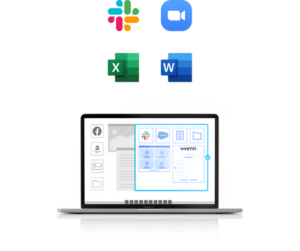
Venn is a software–only solution that integrates with Windows and Mac operating systems, enabling work applications to run safely and directly from the computer.
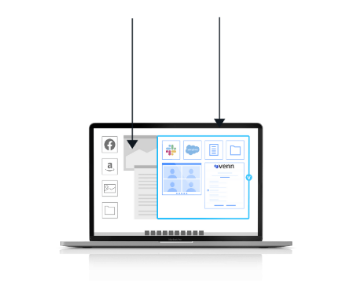
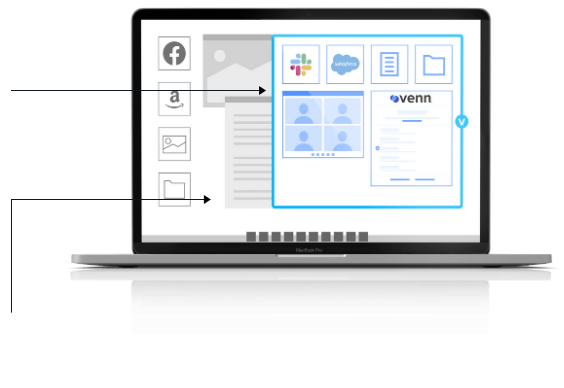
Work lives in a company-controlled secure enclave installed on the user’s computer, where all data is encrypted and access is managed. Work applications run locally within the enclave – visually indicated by the Blue Border™ – where business activity is isolated and protected from any personal user on the same computer.

Work lives in a secure enclave that is company controlled, where all data is encrypted and access is managed.

Personal applications walled off from work.
Centralizes administrative
control over work data,
application and peripheral use
Ability to remotely enable, suspend, terminate or wipe at press of a button
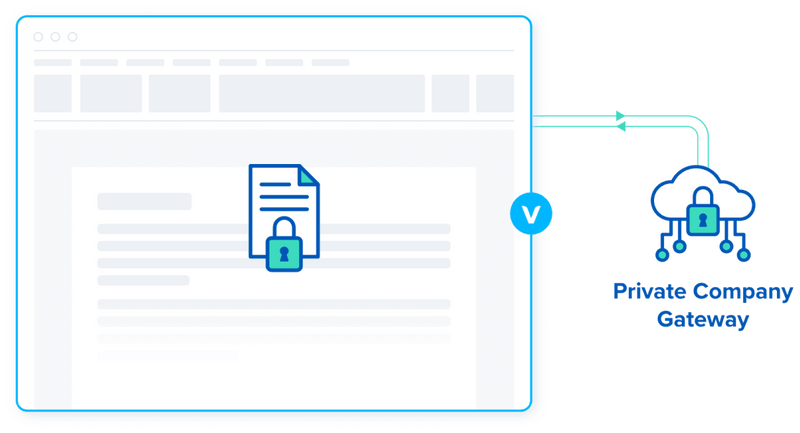
Ensures that all network
access is policy–controlled and routed through encrypted private company gateway
How Venn Keeps Work Applications Secure

An app gets launched in Windows/Mac.
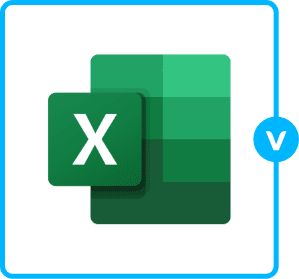
Venn detects work app. Puts virtual wrapper around it with the Blue Border.
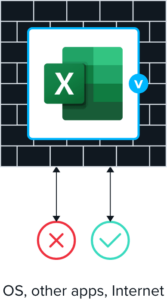
Wrapper acts as firewall. Controls what goes in and out.
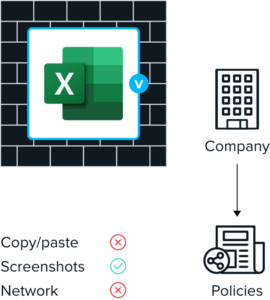
Policies govern entitlements.
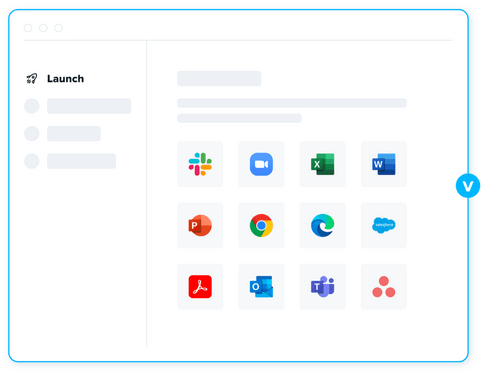
Performance and user experience exactly as on your home PC or Mac
Venn applications are launched directly from the computer, not remotely delivered, providing optimal performance and a familiar experience that drives productivity and eliminates employee frustration. Once Venn is running, users work the way that they are used to; copy/pasting between applications,
working in multiple applications side by side and saving files locally.
Secure remote workspace
The secure enclave is implemented through a light weight driver which envelopes applications in a wrapper, similar to a firewall, controlling all interaction with the OS. Application activities and the resources they use are virtualized and encrypted, rendering them invisible to anything outside Venn. Venn’s configurable policies control which applications are purposed for work and only applications assigned to a user by an admin are permitted to run in Venn.
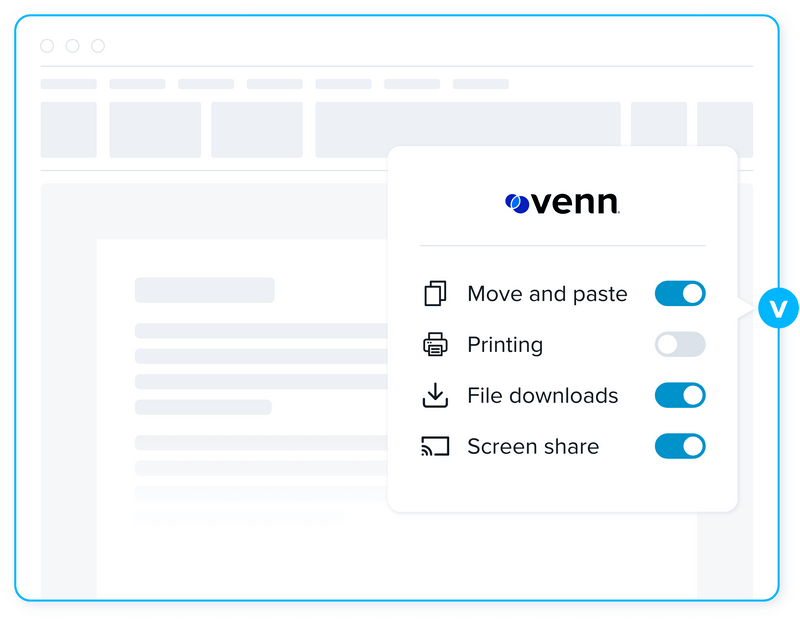
Once inside the enclave, applications are subject to admin configurable DLP policies that govern functions such as copy/paste, screen sharing, downloads and more Data stored in Venn is always encrypted and inaccessible to any application outside of the enclave, while data in transit is routed through a built–in encrypted private company gateway or a VPN/network security system already employed by your organization. Access to Venn can be enabled, suspended, terminated or data remotely wiped, with a click of a button.
Purpose built with the highest standards
Venn was built to comply with the strictest cybersecurity standards including:
SOC 2 Type II
NAIC
HIPAA
NYS DFS
SEC
Mass 201 CMR 17.00
FINRA
Seamless Integrations
Simplified Administration
Venn’s centralized administration is easy to
understand and easier to use while providing
complete visibility and control. Insights into real–time user activity and device inventory ensure you always know where, when and from what device a user accessed an application or quarterly financial data, together with extensive compliance–ready logging.
Venn’s DLP policy admin delivers complete control over how those applications and data are used including copy/paste, screen sharing, and additional controls. Comprehensive visibility and control without the learning curve.
Resources and Insights
A Brief History of Virtual Desktops and What’s to Come
When virtual desktops first burst onto the scene, it was a revolutionary time for the tech industry. Fast forward to the 2020s. The future is about providing users with a local experience.
9 Questions to Test Your Readiness for a Hybrid Workforce
Many wellknown business leaders tout the benefits of a hybrid workplace. Is your organization ready to embrace the hybrid model and ensure your company‘s success in the months to come?
The Future is Local – Embracing a Modern Alternative to Legacy VDI
The reality of modern work has eroded the promise and potential of VDI. Learn how the new technology can empower MSPs and IT leaders to solve for today‘s IT challenges.